Frequently Asked Questions
General Questions
What is the OMYF 50/50 Raffle?
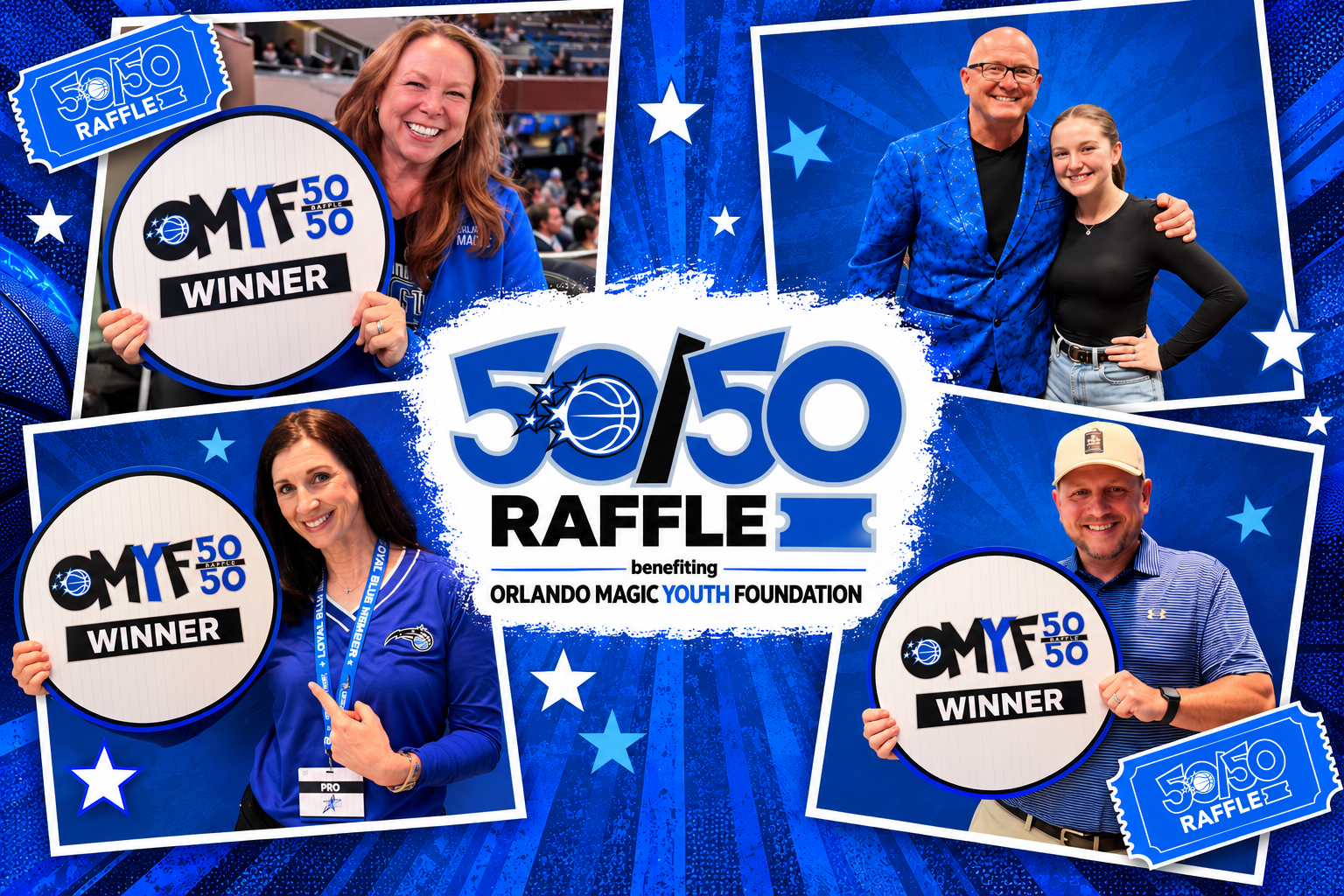
Tickets sold for the 50/50 Raffle contribute to a prize pool. At the designated drawing time, a winner is randomly selected to receive 50% of the net proceeds. The remaining 50% supports the Orlando Magic Youth Foundation and its initiatives throughout Central Florida.
Every ticket transaction is electronically recorded and reflected on mobile devices and the 50/50 website, allowing fans to track the funds raised in real time.
Who can play?
Participants must be at least eighteen (18) years of age at the time of the drawing.
Where can I purchase 50/50 raffle tickets?
Tickets are available through the Orlando Magic App, online at magic5050.com, or during Orlando Magic home games at kiosks on the Terrace and Promenade Levels of Kia Center.
You can also purchase tickets from roaming raffle sellers throughout the arena. Just look for the team members wearing lime green!
What types of payment are accepted?
Raffle sellers accept debit and credit cards only.
Cash purchases are available exclusively at the kiosk near Section 113 on the Terrace Level during home games.
Does the winner have to be present to win?
No. You do not need to be present to win. However, the prize must be claimed within 14 business days.
When is the 50/50 drawing?
The winning ticket number is randomly selected during the fourth quarter of the Orlando Magic home game and posted on magic5050.com.
How do I claim the prize?
To claim the jackpot, the winner must contact an OMYF 50/50 representative at omyf@orlandomagic.com and provide proof of the winning ticket within the applicable claim period.
Please refer to the official raffle rules for complete prize-claim requirements.
Do I have to purchase tickets to participate?
No purchase or contribution is necessary to enter or win.
Please visit the Rules page at magic5050.com for information about entering without making a purchase.
Technical Questions
Why does magic5050.com require my location?
Your current location is required to confirm your eligibility to purchase raffle tickets.
When prompted with a message asking permission to use your current location, select Allow.
What if I already selected "Don't Allow"?
Try reloading the page. Your browser may ask you to share your location again.
If you previously blocked location access permanently, you will need to update your browser or device settings to allow location sharing.
What if I receive a browser location permission error?
If a message indicates that you must allow your browser to share your location, select OK to reload the page.
When the page reloads, select Allow when prompted to share your location.
Some browsers may display "Close" instead of "OK."
What if I cannot purchase tickets because of location issues?
Your browser or device may have location sharing disabled. Follow the instructions below to enable location access.
For iPhone and iPad (iOS):
- Open the Settings app.
- Select Privacy & Security.
- Tap Location Services.
- Make sure Location Services is turned on.
- Scroll down and select Safari Websites.
- Set location access to While Using the App.
- Return to magic5050.com and reload the page.
If you use Chrome, check its location permissions as well.
For Android devices:
- Open the Settings app.
- Select Location and make sure it is enabled.
- Return to Settings and select Apps.
- Choose Chrome or your preferred browser.
- Select Permissions.
- Make sure Location access is enabled.
- Return to magic5050.com and reload the page.
Try opening a maps app to verify that your device can determine your current location. Device settings may vary depending on your operating system and browser version.